
Adobe Podcast
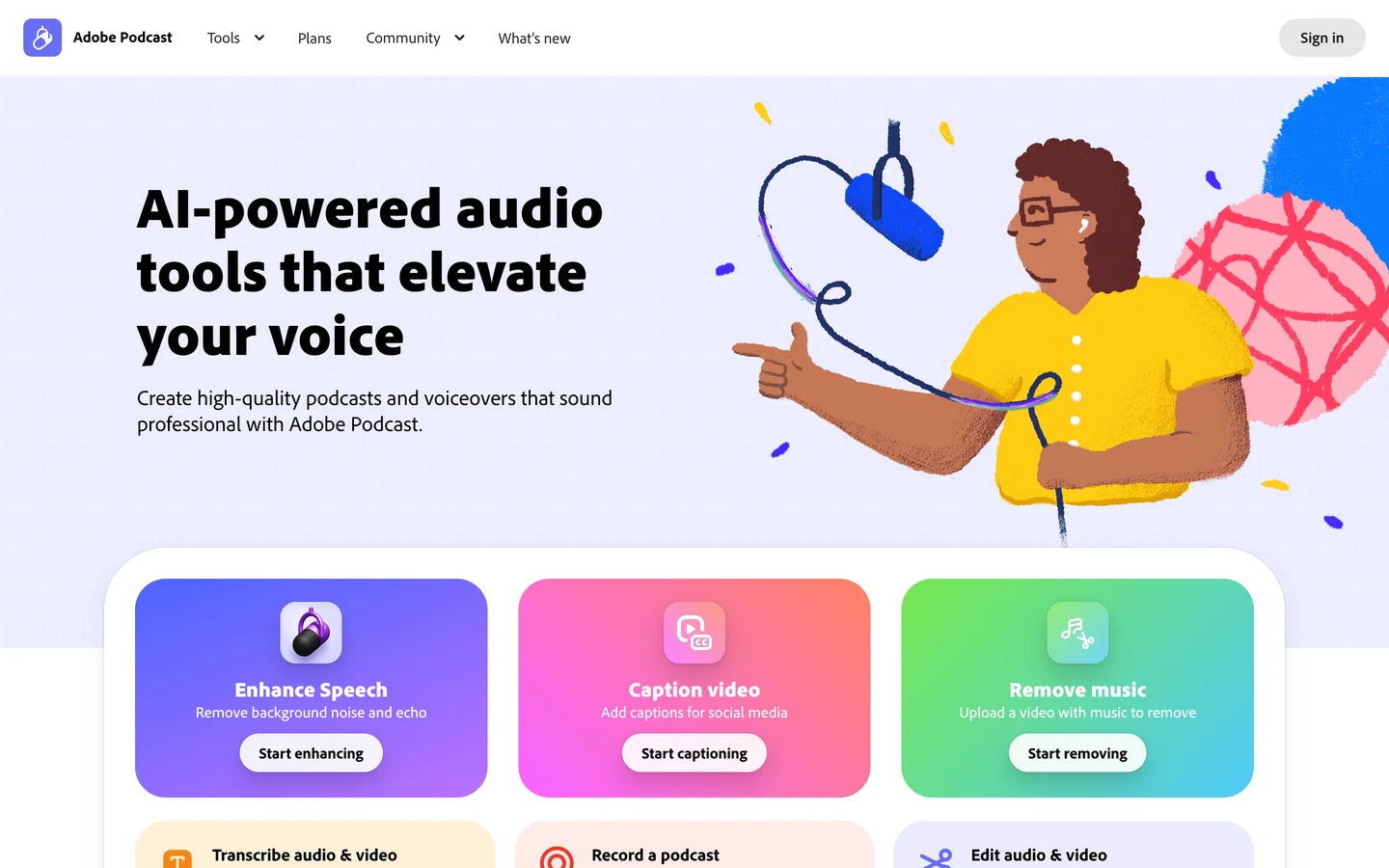
Adobe Podcast is a browser-based suite of AI audio tools for recording, editing, and cleaning up spoken-word audio. It is aimed at podcasters, video creators, and anyone who needs studio-grade voice recordings without a studio.
Use Cases
Remove background noise and echo from voice recordings
Record remote multi-track interviews in the browser via Studio
Enhance dialogue tracks before dropping them into a video edit
Clean up podcast episodes recorded on consumer mics
Generate audiograms with captions for social clips
Diagnose microphone setup issues before recording with Mic Check
Pros
Enhance Speech removes room noise and echo with one click
Browser-based workflow needs no install or audio engineering knowledge
Strength slider lets you dial back over-processing on natural takes
Studio captures speaker-separated multi-track from remote guests
Free tier is generous enough for short episodes and clips
Cons
Free tier caps files at 30 minutes and one hour of daily processing
Heavy processing can leave voices sounding artificial on tough source audio
Studio is still in beta and gated behind invite-style access
No timeline editor or multitrack mixing for full episode production
Cloud-only processing means no offline workflow for sensitive audio
Platforms
Web
Compliance & Certifications
GDPR
European Union
Adobe Podcast's Enhance Speech can make a laptop-mic recording sound like it was tracked in a treated room, and once you hear what it does to background hum you stop reaching for plugins. Free tier caps you at 30 minutes per file and one hour of processing a day, so anything longer means uploading to the Premium plan.
Must Try