
Uizard
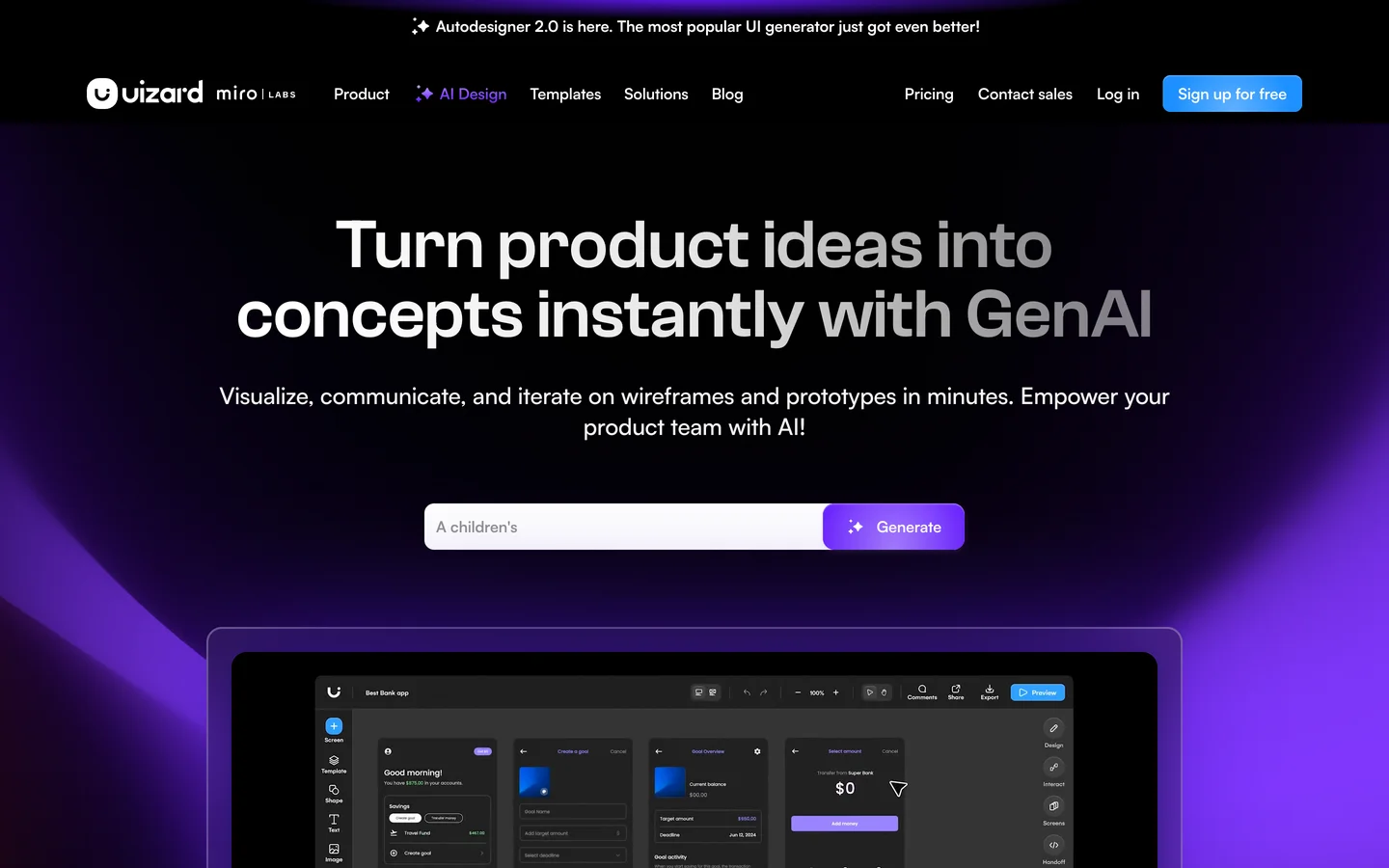
Uizard is an AI-first UI design tool (part of Miro Labs) that turns text prompts, screenshots, and hand-drawn sketches into editable, multi-screen app and website mockups. Built for product managers, founders, marketers, and non-designers who need to communicate a UI idea without learning a traditional design tool.
Use Cases
Product managers spinning up a clickable mockup before a sprint planning meeting
Startup founders turning an MVP idea into an investor-ready prototype in an afternoon
Agencies and consultants generating concept designs to validate direction with a client
Designers digitizing whiteboard sketches into editable mockups after a workshop
Marketers building landing page and app screen concepts without booking design time
Developers prototyping app UI to clarify scope before writing front-end code
Pros
Generates multi-screen, editable prototypes from a single text prompt via Autodesigner
Screenshot Scanner converts any app screenshot into editable Uizard components
Wireframe Scanner digitizes hand-drawn paper sketches into clean UI designs
Low learning curve, marketed as easy as Google Slides or PowerPoint for non-designers
Figma-to-Uizard plugin lets teams iterate Figma designs with Uizard's AI
Cons
No export to Figma, so the workflow is one-way and hard to slot into Figma-centric teams
Free plan is capped at 3 AI generations per month and 2 projects, making real evaluation tight
Output fidelity is good enough to discuss but still falls short of pixel-perfect production design
No public SOC 2 or ISO certification listed on its trust pages, only GDPR adherence
Component library and theming are less deep than mature tools like Figma for complex design systems
Platforms
Web
Plugin
Compliance & Certifications
GDPR
European Union
Uizard's output is far enough along that a PM can show a generated mockup to engineering without apologizing for the wireframe, which is rarer than the AI-design category lets on. The Screenshot Scanner and Figma-to-Uizard plugin are the bridges that matter, paste any UI in and get editable components out.
Solid Choice